1. Check your local school zone
Many schools in New Zealand have enrolment zones, but Little River School does not — which means families from outside a set zone are welcome to enrol here. If you’re unsure about your situation, feel free to contact the school office.
2. Complete an enrolment form
You’ll need to fill out the school’s official enrolment form here. This can also be:
• Collected from the school office
• Emailed to you on request
• Completed through the HERO app
3. Provide supporting documents
Please include copies of the following with your enrolment:
• Your child’s birth certificate or passport
• Immunisation record or Plunket book
• Any relevant visa or residency documents (if applicable)
4. Meet with school staff
Most schools offer a meeting with the principal or office team before your child starts. This is a great chance to:
• Ask any questions
• Share information about your child
• Learn more about daily routines and school culture
5. Confirm start date and classroom visits
Once enrolled, the school will confirm a start date. We offer:
• Classroom visits for new entrants
• A welcome pack with information on uniforms, stationery, and daily routines
Need help?
If you have questions or need a hand with the paperwork, the school office is happy to help. Just give them a call, send an email, or drop in during office hours.

Parents, please support our local businesses



Call Direct

Send Email

Visit Website
Call Direct
Send Email
Call Direct
Send Email
Visit Website
Visit Website
Visit Website
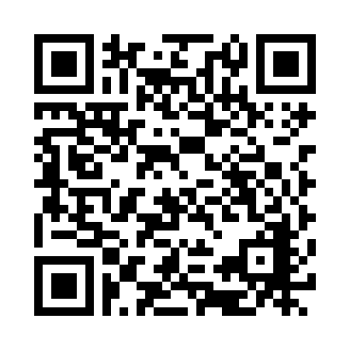
Scan this code to download the app
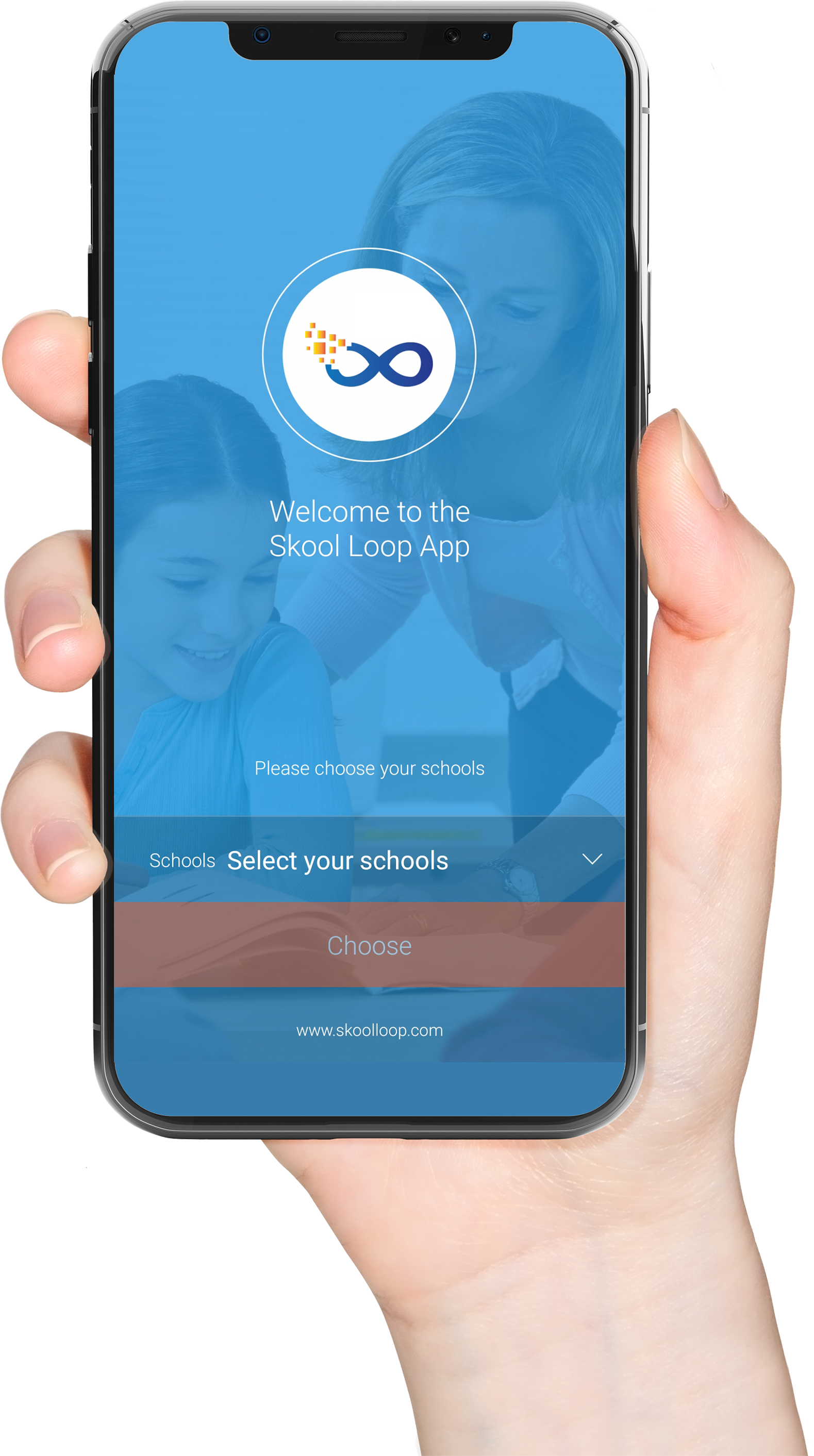
Download our Skool Loop App, a simple and free download. In Google Play & App Store search ‘Skool Loop’ and choose our school once installed.